GitHub Markdown Cheat Sheet

Complete guide to GitHub Flavored Markdown (GFM) syntax — including alerts, Mermaid diagrams, and LaTeX math that older cheat sheets skip

GitHub Flavored Markdown extends standard Markdown with extra features. See our Markdown Cheat Sheet for basic syntax.

GitHub-Specific Features

Task Lists

Interactive checkboxes

- [x] Completed task
- [ ] Incomplete task

Autolinks

URLs become links automatically

https://github.com is auto-linked

Issue/PR Reference

Link to issues and PRs

#123 or user/repo#123

User Mention

Mention and notify users

@username

SHA Reference

Link to commits

a1b2c3d4 or user/repo@a1b2c3d4

Emoji

Emoji shortcodes

:+1: :sparkles: :rocket:

Tables

Basic Table

Simple table

| Header 1 | Header 2 |
|----------|----------|
| Cell 1   | Cell 2   |

Aligned Table

Column alignment

| Left | Center | Right |
|:-----|:------:|------:|
| L    |   C    |     R |

Code Blocks

Syntax Highlighting

Specify language for highlighting

```javascript
const x = 1;
```

Diff Highlighting

Show code changes

```diff
- removed line
+ added line
```

Mermaid Diagrams

Create diagrams

```mermaid
graph TD;
  A-->B;
```

Alerts/Callouts

Note

Informational callout

> [!NOTE]
> Information note

Tip

Tip callout

> [!TIP]
> Helpful tip

Important

Important callout

> [!IMPORTANT]
> Key information

Warning

Warning callout

> [!WARNING]
> Warning message

Caution

Caution callout

> [!CAUTION]
> Dangerous action

Extended Features

Footnotes

Add footnotes

Text with footnote[^1]

[^1]: Footnote content

Collapsed Section

Collapsible content

<details>
<summary>Click to expand</summary>

Hidden content
</details>

Keyboard Keys

Keyboard key styling

<kbd>Ctrl</kbd> + <kbd>C</kbd>

Subscript

Subscript text

H<sub>2</sub>O

Superscript

Superscript text

X<sup>2</sup>

Math (LaTeX)

LaTeX math rendering

Inline $x^2$ or block:
$$
\sqrt{a^2 + b^2}
$$

Syntax Highlighting Languages

GitHub supports syntax highlighting for 100+ languages. Common ones include:

javascripttypescriptpythonrubygorustjavaccppcsharpphpswiftkotlinbashsqljsonyamlmarkdownhtmlcss

Shareable Image Version

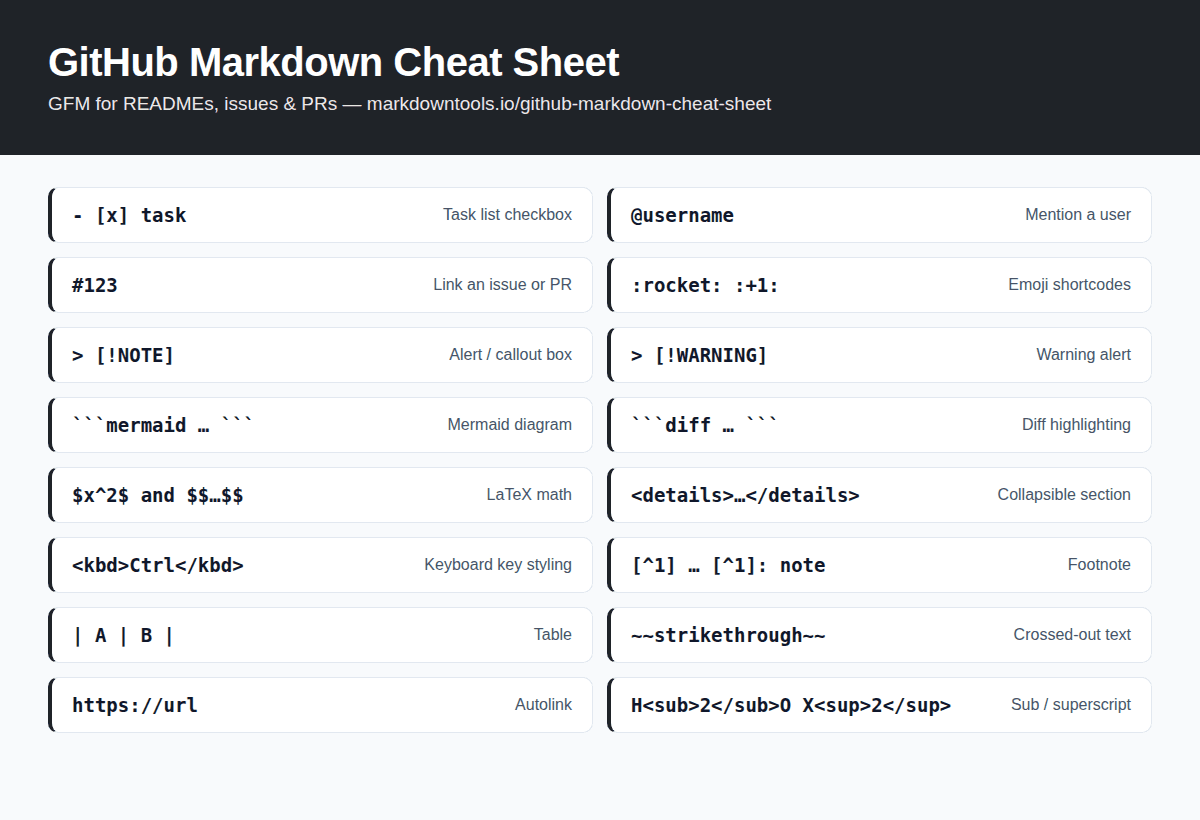
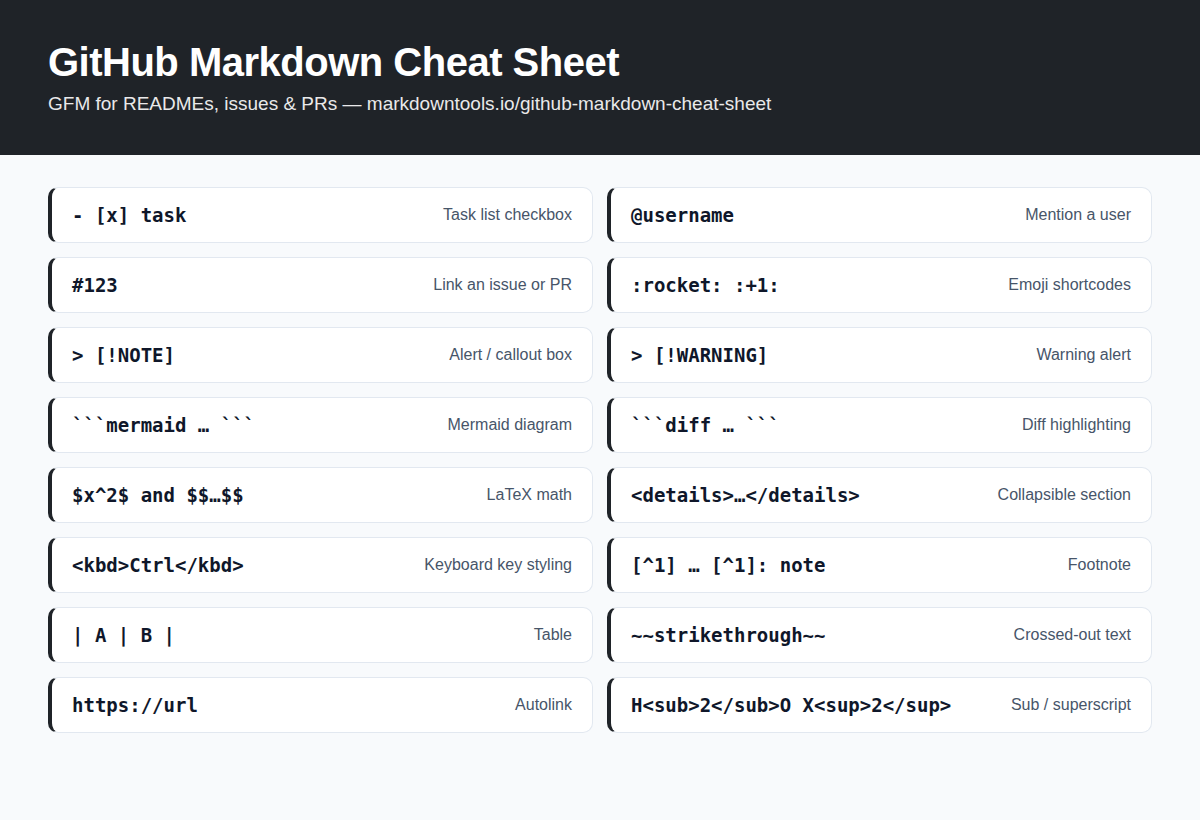
Prefer a picture? Save or share the GitHub Markdown cheat sheet as a single image — handy for pinning in team chats, wikis, and study notes.

GitHub Markdown cheat sheet infographic: task lists, mentions, issue references, emoji, alerts, Mermaid diagrams, LaTeX math, collapsible sections, and footnotes with descriptionsDownload image (PNG)

Frequently Asked Questions

What is the difference between Markdown and GitHub Flavored Markdown?

GitHub Flavored Markdown (GFM) is a superset of standard Markdown. It adds tables, task lists, strikethrough, autolinks, footnotes, syntax-highlighted code blocks, and GitHub-specific features like @mentions, issue references, alerts, Mermaid diagrams, and LaTeX math.

How do I add a note or warning box in a GitHub README?

Use alerts: start a blockquote with [!NOTE], [!TIP], [!IMPORTANT], [!WARNING], or [!CAUTION] on its own line, for example "> [!WARNING]" followed by "> your message". GitHub renders it as a colored callout box in READMEs, issues, and PRs.

Does GitHub Markdown support Mermaid diagrams?

Yes. Create a fenced code block with the language set to mermaid and GitHub renders the diagram directly in READMEs, issues, discussions, and wikis — flowcharts, sequence diagrams, Gantt charts, and more.

Does GitHub Markdown support LaTeX math?

Yes. Wrap inline expressions in single dollar signs ($x^2$) and display equations in double dollar signs. GitHub renders them with MathJax in Markdown files, issues, discussions, and PRs.

How do I make a collapsible section in a GitHub README?

Use the HTML details element: <details><summary>Title</summary> your content </details>. Readers click the title to expand it. Leave a blank line after the summary tag so Markdown inside still renders.

Why is my Markdown table not rendering on GitHub?

Check for a separator row of dashes under the header row (| --- | --- |), make sure every row has the same number of pipes, and leave a blank line before the table. Pipes inside cells must be escaped with a backslash.

Related Tools